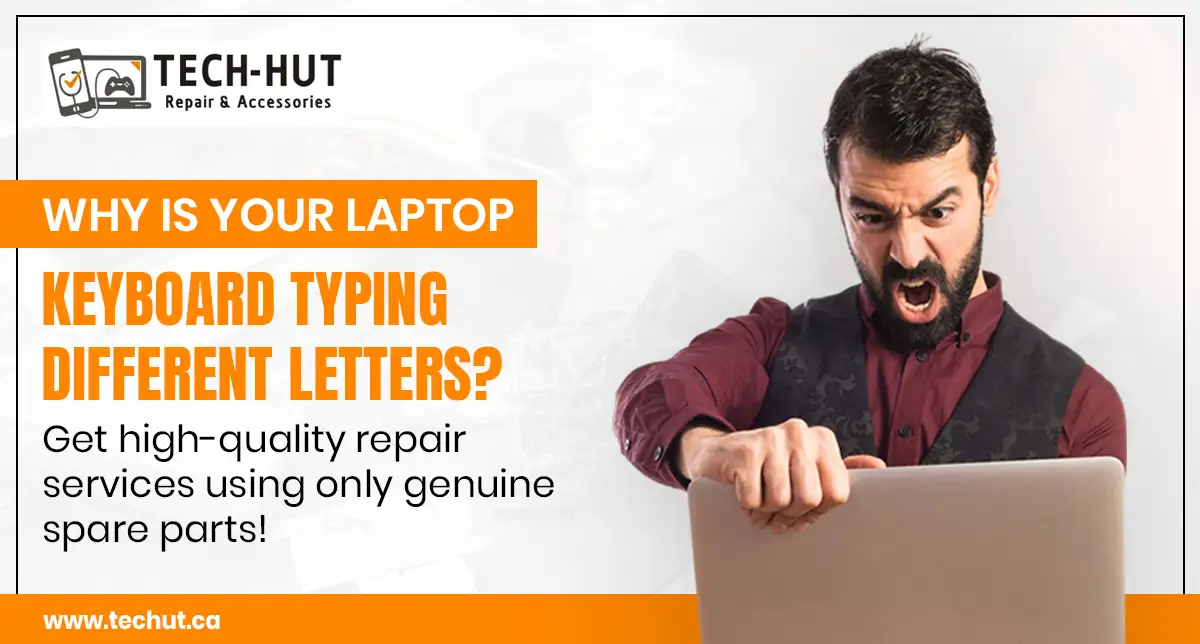
Have you ever typed something on your laptop and noticed completely different letters appearing on the screen? This frustrating issue is more common than you think. Many users search for solutions like “laptop keyboard suddenly typing wrong characters” when facing this problem.
In most cases, this issue can be caused by software glitches, keyboard settings, or hardware damage. While some fixes are simple, others require professional laptop repair services.
If you’re in Commercial Drive and dealing with this issue, understanding the cause can help you decide whether you can fix it yourself or need expert assistance.
Why Is My Laptop Keyboard Typing the Wrong Letters?
There are several reasons why your keyboard might behave unexpectedly. Identifying the cause is the first step toward fixing it.
1. Incorrect Keyboard Language Settings
One of the most common reasons is incorrect keyboard settings. If your system language or keyboard layout changes accidentally, your keys may produce different characters.
Fix:
- Check your keyboard language settings
- Switch back to your preferred layout
This is a simple issue that doesn’t require laptop repair near me searches in most cases.
2. Sticky Keys or Hardware Malfunction
If certain keys are stuck or not functioning properly, it can result in incorrect typing. Dust, debris, or wear and tear can cause this issue.
In such cases, visiting a laptop repair shop near me is recommended for proper cleaning or replacement.
3. Software Bugs or Driver Issues
Outdated or corrupted keyboard drivers can also cause typing problems. This often happens after system updates or software conflicts.
Fix:
- Update keyboard drivers
- Restart your system
- Run system diagnostics
If the issue persists, professional computer repair store services can help identify deeper problems.
4. Virus or Malware Infection
Malware can interfere with your system’s functionality, including keyboard input. If your laptop is behaving strangely, it might be due to a security issue.
Solution:
- Run antivirus scans
- Remove suspicious programs
For advanced cases, repair shops for laptops can perform a full system check.
5. Physical Keyboard Damage
Spilled liquids or accidental drops can damage internal keyboard components. This often leads to keys typing wrong characters or not responding at all.
This usually requires hardware replacement through a trusted laptop repair shop.
Quick Fixes You Can Try at Home
Before going for professional help, try these solutions:
- Restart your laptop
- Check keyboard language settings
- Clean the keyboard
- Update drivers
- Disconnect external keyboards
These steps can resolve minor issues related to software or temporary glitches.
When Do You Need Professional Laptop Repair?
Not all problems can be fixed at home. You should consider expert help if:
- The keyboard issue persists
- Multiple keys are affected
- There is physical or water damage
- The problem keeps returning
Searching for laptop repair near me can help you find reliable local services in Commercial Drive.
Best Laptop Repair Services on Commercial Drive
If you’re looking for the best laptop repair services, choosing a trusted provider is important.
Tech Hut is a reliable option for those searching for a laptop repair shop near me in Commercial Drive. Known for professional service and genuine spare parts, Tech Hut ensures long-lasting repair solutions.
Why Choose Tech Hut for Laptop Repair?
When it comes to laptop repair, quality and expertise matter the most.
Key Benefits
- Experienced technicians
- Use of genuine spare parts
- Fast and efficient service
- Affordable pricing
- Reliable diagnostics
Whether you need keyboard replacement or complete system repair, Tech Hut offers solutions tailored to your needs.
MacBook Repair Services in Commercial Drive
MacBook users often face similar issues but require specialized repair services.
Tech Hut also provides expert macbook repair vancouver services, ensuring that Apple devices are handled with care and precision.
If you are searching for reliable macbook repair, choosing experienced professionals is essential for maintaining device performance.
Cost of Laptop Repair
The cost of laptop repair depends on several factors:
- Type of issue
- Laptop model
- Replacement parts required
- Service quality
Instead of choosing the cheapest option, focus on reliable repair services that ensure long-term performance.
Tips to Prevent Keyboard Issues
To avoid future problems, follow these simple tips:
- Keep your keyboard clean
- Avoid eating or drinking near your laptop
- Use a keyboard cover
- Update your system regularly
- Handle your device carefully
Preventive care can reduce the need for frequent visits to repair shops for laptops.
FAQs
1. Why is my laptop keyboard typing wrong characters?
This can happen due to incorrect settings, driver issues, or hardware damage.
2. Can I fix keyboard issues without repair?
Yes, minor issues can be fixed by changing settings or updating drivers.
3. Where can I find a laptop repair shop near me in Commercial Drive?
Tech Hut offers reliable laptop repair services in the Commercial Drive area.
4. Do you offer MacBook repair services?
Yes, professional macbook repair vancouver services are available for Apple devices.
5. How long does laptop repair take?
Repair time depends on the issue but is usually completed quickly by experienced technicians.
Conclusion
If your laptop keyboard is typing incorrect letters, it’s important to identify the cause early. While some issues can be fixed with simple troubleshooting, others require professional attention.
Choosing a trusted service provider like Tech Hut ensures high-quality repairs using genuine parts. Whether it’s a minor issue or a major repair, timely action can save your device and improve performance.