If you’ve ever experienced a situation where your phone is on but not responding properly, you’re not alone. Many users search queries like “my phone screen is not responding to touch but the screen is on” when facing this frustrating issue. In most cases, this problem is linked to hardware damage, software glitches, or environmental factors.
Understanding the root cause is important before jumping into a solution. Whether it’s a minor glitch or a serious issue requiring Phone Screen Repair, knowing your options can save both time and money.
Why Is My Phone Screen Not Responding to Touch?
There are several reasons why certain parts of your screen stop responding. These issues can be temporary or permanent depending on the cause.
1. Physical Damage or Screen Crack
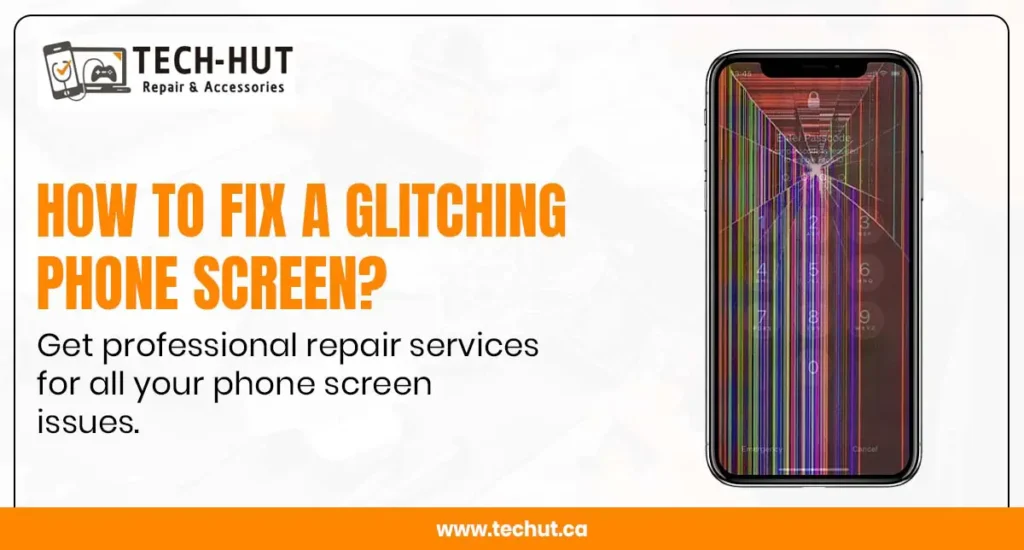
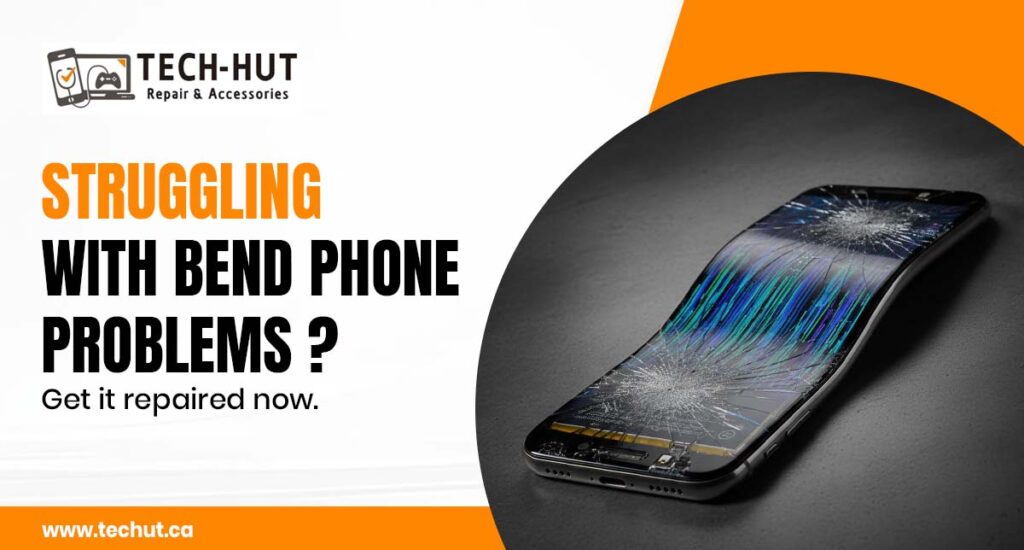
One of the most common reasons is physical damage. Even a small crack can affect the touch sensitivity of your device. If your screen has been dropped or hit, the internal digitizer may be damaged, which directly impacts touch response.
In such cases, a professional screen repair service is usually required to restore full functionality.
2. Software Glitches and Bugs
Sometimes, the issue is not hardware-related. Software bugs or system glitches can cause parts of the screen to become unresponsive. This often happens after:
- System updates
- App crashes
- Overloaded memory
If you’re wondering how to fix phone screen unresponsive touch, restarting your phone or updating your software can sometimes resolve the issue.
3. Water or Moisture Damage
Exposure to water or humidity can damage internal components of your phone. Even if the screen looks fine, moisture can affect touch sensitivity.
This type of issue usually requires professional cellphone repair services, especially if the problem persists after drying the device.
4. Screen Protector or Dirt Issues
Sometimes the problem is simpler than you think. A low-quality screen protector, dirt, or oil on the screen can interfere with touch sensitivity.
Try cleaning your screen or removing the protector before assuming it’s a serious issue.
5. Faulty Digitizer
The digitizer is the component responsible for detecting touch. If it becomes faulty, certain areas of the screen may stop responding.
In this case, a complete Phone Screen Repair is usually necessary to fix the issue permanently.
Quick Fixes You Can Try at Home
Before visiting a repair shop, you can try a few simple solutions:
- Restart your phone
- Remove screen protector
- Clean the screen
- Update your software
- Boot into safe mode
These steps can help resolve minor issues related to software or temporary glitches. However, if the problem continues, professional phone repair is the best option.
When Should You Go for Professional Phone Screen Repair?
Not all issues can be fixed at home. You should consider expert help if:
- The screen is physically damaged
- Touch is not working in specific areas
- The issue keeps coming back
- The phone has water damage
Searching for screen repair near me can help you find reliable local services that can diagnose and fix the issue quickly.
Where to Get the Best Screen Repair Services in Surrey
If you are in Surrey and facing touch issues, choosing the right repair service is crucial. Not all repair shops offer the same quality, so it’s important to go with trusted professionals.
Tech Hut is known for providing some of the best screen repair services Surrey residents rely on. With experienced technicians and quality parts, they ensure your device is repaired efficiently and safely.
Why Choose Tech Hut for Phone Repair?
When it comes to cell phone repair surrey, Tech Hut stands out for its reliability and expertise.
Key Benefits
- Experienced technicians
- Quick diagnosis and repair
- High-quality replacement parts
- Affordable pricing
- Customer-focused service
Whether you need basic screen repair or complete device servicing, Tech Hut offers solutions tailored to your needs.
How Much Does Phone Screen Repair Cost?
The cost of Phone Screen Repair depends on several factors:
- Phone model
- Extent of damage
- Type of replacement parts
- Service quality
Instead of choosing the cheapest option, it’s better to focus on quality repair services to avoid recurring issues.
Tips to Prevent Screen Issues in the Future
Prevention is always better than repair. Here are some tips to protect your phone:
- Use a high-quality screen protector
- Avoid dropping your phone
- Keep your device away from water
- Clean your screen regularly
- Avoid overloading your device
Taking these precautions can reduce the chances of needing frequent cellphone repair services.
FAQs
1. Why is my phone screen not responding to touch but still on?
This usually happens due to software glitches, screen damage, or a faulty digitizer.
2. Can I fix an unresponsive phone screen myself?
You can try basic fixes like restarting or cleaning the screen, but major issues require professional repair.
3. How do I find the best screen repair near me?
Search for trusted local services with good reviews and experienced technicians, like Tech Hut in Surrey.
4. Is phone screen repair expensive?
The cost depends on the device and damage level, but quality repair ensures long-term performance.
5. Where can I get reliable cellphone repair in Surrey?
Tech Hut offers professional and reliable repair services for various phone issues in Surrey.
Conclusion
If you’re dealing with an unresponsive screen, understanding the cause is the first step toward fixing the problem. While some issues can be resolved with simple troubleshooting, others require professional attention.
Choosing a trusted service provider like Tech Hut ensures that your device receives the best care and long-lasting repair solutions. Whether it’s a minor issue or a complete Phone Screen Repair, timely action can save your phone from further damage.