


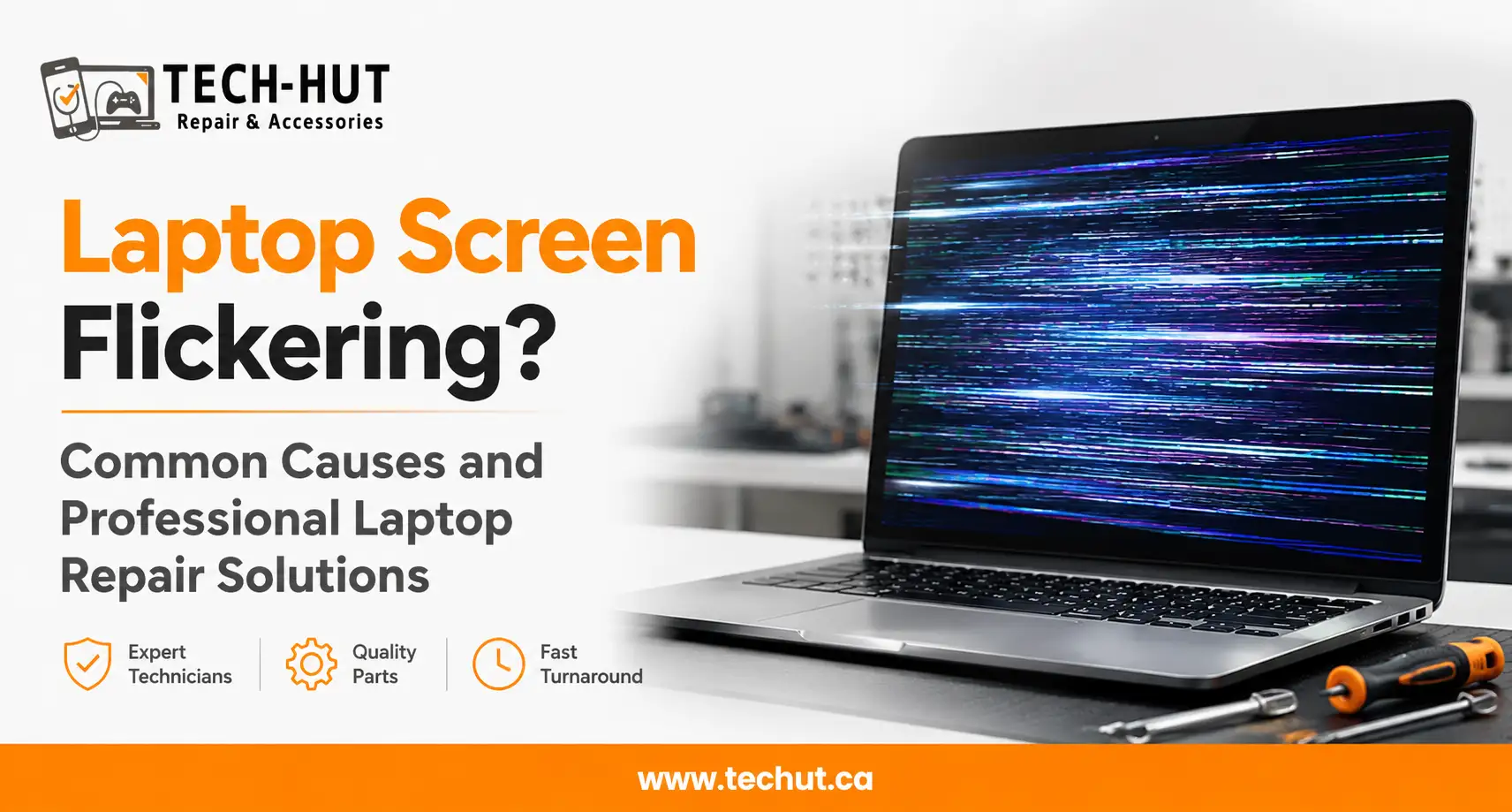
If you have ever been right in the middle of something important and your laptop screen suddenly starts flickering, you know how frustrating it can be. The good news is that screen flickering is one of the more common issues people bring in for laptop repair, and in most cases, it is completely fixable.
At Tech Hut, we deal with screen flickering cases every single week. Whether it is a subtle shimmer at the edges or a full-blown flashing display, we have seen it all. This guide walks you through why it happens, what you can do at home, and when to get a professional involved.
Why Is Your Laptop Screen Flickering?
Screen flickering can come from several different places. It could be a software issue, a hardware problem, or something as simple as a loose cable. Identifying the root cause is the first step in any proper laptop repair process.
Outdated or Corrupt Display Drivers
This is the most common culprit. Your display driver is the software that tells your operating system how to communicate with the screen. When it becomes outdated or corrupted after a system update, the screen can start behaving erratically. Updating or reinstalling the driver often solves the problem without any physical repair at all.
Loose or Damaged Display Cable
Inside your laptop, a thin ribbon cable connects the screen to the motherboard. Over time, especially with frequent opening and closing of the lid, this cable can loosen or develop small breaks. The connection becomes unstable and the screen flickers or blacks out at certain angles. This is a hardware issue that requires opening the device, which is why most people prefer bringing it to a laptop repair shop near me rather than attempting it themselves.
Backlight Failure or Faulty Screen Panel
In older laptops, a failing inverter that powers the CCFL backlight often causes the screen to dim, flicker, or take on a pinkish tint. In newer LED-backlit models, the backlight itself can degrade. Sometimes the panel has developed a fault due to physical impact or age, showing flickering, dead zones, or colour distortion. Both situations fall under laptop screen repair and need a professional assessment.
Overheating and Software Conflicts
A laptop running too hot will show symptoms across multiple components, including the display. When the GPU or CPU overheats, it can affect screen rendering and cause graphical glitches. Certain poorly optimised applications can also trigger display issues, particularly after major Windows or macOS updates. Regular laptop maintenance, including cleaning out dust from vents, reduces both risks considerably.
What You Can Try Before Bringing It In
There are a few safe steps worth trying before heading to a repair centre.
Start by updating your display drivers. On Windows, open Device Manager, right-click your display adapter, and select Update Driver. On a Mac, keeping your operating system current generally keeps drivers up to date as well. Next, boot your laptop in Safe Mode. If the screen is stable there, the problem is software-related rather than hardware, which is useful information for any technician.
Also check your screen refresh rate under Display Settings on Windows. A rate that does not match your panel’s native capability can cause flickering, and simply setting it to the recommended value often makes an immediate difference.
When to Seek Professional Laptop Repair
If software fixes do not help or the flickering is getting worse, it is time to bring your laptop in for a proper inspection. Physical problems like damaged cables, failing backlights, or cracked panels cannot be resolved through software alone. Attempting to open a laptop without the right tools can make things worse and may void any remaining warranty.
At Tech Hut, we run a thorough diagnostic before any repair work begins. You are always told what the issue is and what it will cost before we proceed. When you search for laptop repairs near me or repair laptop near me, you want someone local and trustworthy. That is exactly what Tech Hut is built around.
Laptop Maintenance Goes a Long Way
Many of the screen problems we see at Tech Hut could have been prevented with basic laptop maintenance. Dust buildup inside the vents causes overheating, which directly affects display performance. Getting a professional internal cleaning done once a year, or every six months if you use your device heavily, is one of the most cost-effective things you can do for your laptop. If you have been looking for a cleaning laptop service near me, we offer this as part of our routine servicing.
Keeping your operating system and drivers updated and avoiding placing heavy objects on your closed laptop lid also make a real difference over time. Learning how to maintain laptop health is not complicated. It mostly comes down to airflow, cleanliness, and staying current with software. If you are unsure how to keep your laptop healthy, our team is always happy to point you in the right direction.
Other Issues We Handle at Tech Hut
Screen flickering is just one of many problems we resolve daily. Another frequent issue is when a laptop keyboard suddenly types wrong characters. This is usually caused by an accidental change to the keyboard language or layout settings, a driver issue, or physical wear on the keyboard hardware. Checking your keyboard layout in system settings is the first thing to do. If the problem continues, it likely needs a closer look from a technician.
From laptop screen repair and keyboard replacements to battery issues and charging port problems, Tech Hut covers the full range of cell and laptop repair services. Whether your issue is minor or serious, we are here to help.
Why Choose Tech Hut for Your Laptop Repair
When you are looking for laptop computer repair near me, you want more than someone who just swaps parts. You want a team that diagnoses the issue properly, explains it clearly, and gets your laptop back in the best possible shape.
At Tech Hut, our technicians work across all major brands including Dell, HP, Lenovo, Asus, Acer, and Apple. We use quality parts, offer fair pricing, and stand behind every repair we carry out. If you need laptop repair Surrey residents can rely on, Tech Hut is here. Stop in, give us a call, or book a diagnostic appointment online.
Frequently Asked Questions
Q: Is a flickering laptop screen always a hardware problem?
Not necessarily. Many cases are caused by driver or software issues that can be fixed without opening the device. If software fixes do not work, the problem is likely hardware-related and will need professional attention.
Q: How much does laptop screen repair cost?
It depends on the specific issue and your laptop model. A driver update costs nothing. A cable repair is generally affordable. A full panel replacement varies. At Tech Hut, we offer a diagnostic before any repair so you know exactly what you are paying for.
Q: Why is my laptop keyboard suddenly typing wrong characters?
This is most often an accidental change to your keyboard language or layout setting. Check your system settings and switch back to the correct layout. If the issue continues, it may be a driver problem or hardware fault, and a visit to a laptop fix near me will get you a quick answer.
Q: How often should I get my laptop professionally cleaned?
Once a year is fine for most users. If you work in a dusty environment or use your laptop heavily, every six months is better. Removing internal dust buildup prevents overheating, which is a common trigger for screen flickering and other performance issues.