


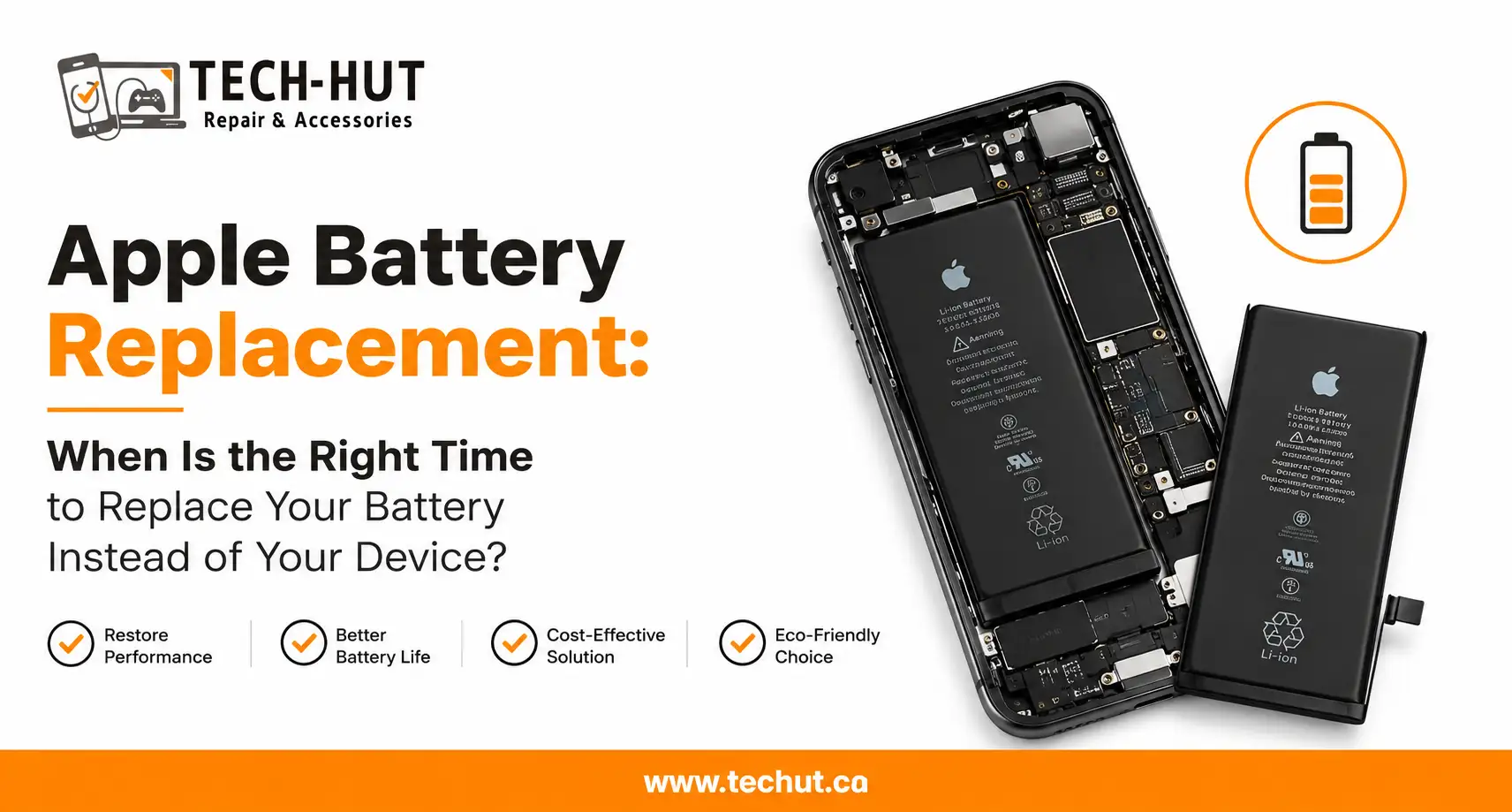
There comes a point with every Apple device when the battery just stops keeping up. Your iPhone barely makes it to noon. Your MacBook dies the moment you unplug it. Your Apple Watch needs charging twice a day. It is easy to assume the device is simply getting old and that it is time to upgrade, but that is not always the case. More often than not, an apple battery replacement is all it takes to bring a device back to feeling almost new again.
At Tech Hut, we help customers with this decision every day. The truth is that most Apple devices are built to last well beyond the point where the battery starts declining. Understanding when to replace the battery and when to move on from the device entirely can save you a significant amount of money.
Why Apple Batteries Degrade Over Time
All lithium-ion batteries, regardless of the brand, have a finite number of charge cycles before they start losing capacity. A charge cycle is one full discharge and recharge of the battery. Apple designs its batteries to retain up to 80 percent of their original capacity at around 500 charge cycles for iPhones and up to 1000 cycles for MacBooks.
Once you pass that threshold, the battery starts holding less charge, and the performance impact becomes noticeable. Your phone may slow down because iOS manages processor speed to compensate for a degraded battery. Your laptop may shut down unexpectedly. These are not signs of a dying device. They are signs of a dying battery, and that is a very different problem with a much more affordable solution.
Signs Your Apple Device Needs a Battery Replacement
Knowing what to look for makes it easier to act at the right time rather than waiting until things get worse.
Your Device Is Not Lasting Through the Day
If your iPhone or MacBook used to comfortably get through a full day on a single charge and now struggles to make it halfway, battery degradation is the most likely cause. This is one of the clearest signs that an apple battery replacement is worth considering before you spend significantly more on a new device.
Unexpected Shutdowns
If your device shuts down while still showing 20 or 30 percent battery remaining, the battery is no longer accurately holding or reporting its charge. This is a common symptom in older iPhones and MacBooks and almost always points to battery failure rather than any other hardware issue.
Swollen Battery
A swollen battery is a situation that needs immediate attention. If you notice your iPhone screen lifting slightly at the edges, your MacBook trackpad becoming difficult to click, or any visible bulging in the device, stop using it and bring it in right away. A swollen battery can be a safety risk and should never be ignored.
Battery Health Below 80 Percent
On iPhones running iOS 11.3 or later, you can check your battery health directly in Settings under Battery, then Battery Health and Charging. If the maximum capacity is at or below 80 percent, Apple itself recommends a battery service. MacBooks show battery condition information in System Information. Checking this number takes 30 seconds and gives you a clear, objective picture of where things stand.
iPhone Battery Replacement: Is It Worth It?
For most iPhone users, the answer is yes. An iphone battery replacement is one of the most cost-effective repairs available, particularly when the alternative is spending several hundred dollars or more on a new handset. The iPhone X, iPhone SE, and several other models have a strong hardware foundation that continues to serve users well even several years after launch.
If you are based in the Lower Mainland and need iphone battery replacement Vancouver residents can access quickly and reliably, Tech Hut handles these repairs with quality replacement batteries and a fast turnaround. Whether it is an iphone se battery replacement or an iphone x battery replacement, we will have the right battery in stock and get you sorted the same day in most cases.
Before writing off your phone, check the battery health. If the phone is otherwise working well, screen is fine, and there are no other hardware issues, a battery replacement will almost certainly restore the experience you remember.
MacBook Battery Replacement: Extend Your Laptop’s Life
MacBooks are well-built machines that often outlast the batteries inside them. Many users find their MacBook is still perfectly capable for their daily tasks but simply cannot hold a charge for more than an hour or two. A macbook battery replacement gives the device a second life at a fraction of the cost of a new laptop.
The process for apple laptop battery replacement varies by model. Some MacBooks have batteries that are more straightforward to access, while newer ultra-thin models require more careful disassembly. This is exactly why taking your MacBook to a qualified technician matters. Done correctly, the repair is clean and the laptop performs as expected. Done incorrectly, it can cause damage to surrounding components.
At Tech Hut, we carry replacement batteries for a wide range of MacBook models and have the tools and experience to handle the job properly. If you have been putting off an apple mac battery replacement because you were not sure it was worth it, bring your laptop in and we will give you an honest assessment.
Apple Watch Battery Replacement: Keep Your Wearable Running
The Apple Watch is a device many people depend on throughout the day for fitness tracking, notifications, and payments. Like all wearables, the battery inside is small and goes through charge cycles quickly due to daily charging habits. Over time, an Apple Watch that once lasted all day will start needing a top-up by mid-afternoon.
An apple watch battery replacement is a more involved repair than a phone battery swap due to the compact and tightly sealed nature of the device. It requires careful opening without damaging the display or the waterproof seal. At Tech Hut, we handle these repairs with the precision they require. If your Apple Watch is still functioning well but the battery is letting it down, replacement is almost always a better option than buying a new one.
Replace the Battery, Not the Device
The pattern across every Apple product is the same. The hardware is designed to last. The battery is not. When people say their old iPhone or MacBook has slowed down and they need a new one, the first question worth asking is whether the battery has ever been replaced. In the majority of cases it has not, and a fresh battery makes an immediate and dramatic difference.
At Tech Hut, we see this every week. Customers come in expecting bad news and leave with a device that feels completely refreshed after a straightforward battery replacement. It is one of the most satisfying repairs we carry out because the value for money is so clear.
If your Apple device is not performing the way it used to, do not assume the device itself is the problem. Come in, let us check the battery health, and we will give you a straight answer about whether a replacement makes sense for your situation.
Frequently Asked Questions
Q: How do I check my iPhone battery health?
Go to Settings, then Battery, then Battery Health and Charging. The maximum capacity percentage shown tells you how much of the original battery capacity remains. Below 80 percent is when Apple recommends a service.
Q: How long does an apple battery replacement take?
Most iPhone battery replacements take under an hour. MacBook battery replacements typically take one to two hours depending on the model. Apple Watch replacements may take a little longer due to the complexity of opening the device. At Tech Hut, we aim to complete most battery replacements the same day.
Q: Is it safe to use my phone with a degraded battery?
A degraded battery that simply holds less charge is generally safe to use, though inconvenient. However, a swollen battery is a different matter and should be seen by a technician immediately. If your device is shutting down unexpectedly or the casing looks distorted, do not wait.
Q: Will a battery replacement fix my slow iPhone?
In many cases, yes. iOS throttles processor performance on iPhones with degraded batteries to prevent unexpected shutdowns. Replacing the battery removes that throttle and restores the device to its full speed.
Q: How much does an iphone battery replacement cost in Vancouver?
Pricing varies by model, but iphone battery replacement Vancouver rates at Tech Hut are competitive and transparent. We give you a clear quote before starting and there are no hidden fees.
Q: Can you replace the battery on any MacBook model?
We handle battery replacements across a wide range of MacBook models. Some are more straightforward than others, but our technicians have the tools and experience to work on all of them. Bring your MacBook in and we will confirm what is needed.